Trusted by over 1.6 million members since 2014 — why not join them?
∞ and beyond!
Staff Member
Moderator
SB Mod Squad ⭐
✔ Approved Releaser
Active User
Member for 2 years
- Gender
- Not specified
- Device
- 6502
- Country
- Canada
AdGuard is a proxy/VPN to protect devices primarily from ad's.
While the installation setup is decent, the what next is very poor.
By default AdGuard allows everything to connect while providing zero protection.
This makes the app moot unless you know how to secure your apps.
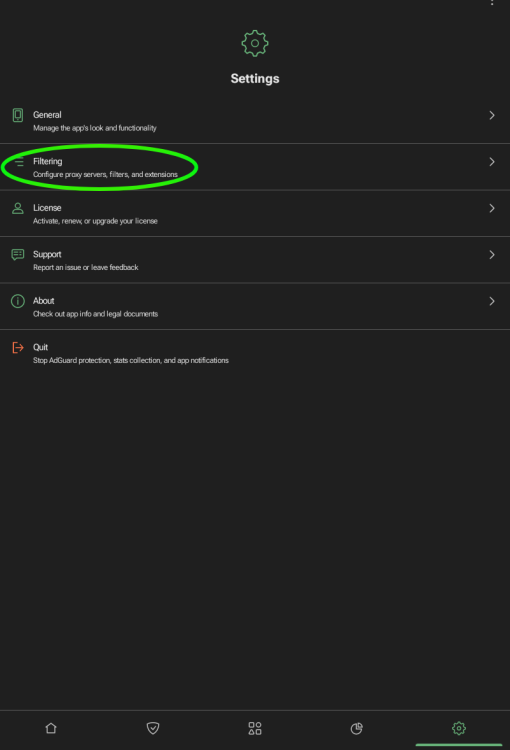
First, open AdGuard and go to the firewall options (the shield)

Select GLOBAL rules.
Next, disable ALL Internet access to ALL apps
From here on the Quick Action's is about the only function most people will ever need to use.
Select it to view what apps are trying to connect to the Internet, using up bandwidth, and decide if YOU want the app to connect.

Wait for an app to try to connect or run the app you want to connect.
In this example, Via, a browser, is safely being blocked by AdGuard from accessing the Internet.
Since I want it to connect, we tap on the green button and allow.

Via is no longer being blocked and can access the Internet.

Repeat for all apps you want to have Internet.
While the installation setup is decent, the what next is very poor.
By default AdGuard allows everything to connect while providing zero protection.
This makes the app moot unless you know how to secure your apps.
First, open AdGuard and go to the firewall options (the shield)
Select GLOBAL rules.
Next, disable ALL Internet access to ALL apps
From here on the Quick Action's is about the only function most people will ever need to use.
Select it to view what apps are trying to connect to the Internet, using up bandwidth, and decide if YOU want the app to connect.
Wait for an app to try to connect or run the app you want to connect.
In this example, Via, a browser, is safely being blocked by AdGuard from accessing the Internet.
Since I want it to connect, we tap on the green button and allow.
Via is no longer being blocked and can access the Internet.
Repeat for all apps you want to have Internet.