
The iPod was revolutionary not because it could play MP3s, but because of the ease with which it made it possible to organize and load an entire music library into a pocket-sized device. There were MP3 players before it, including ones with more storage space: as the infamous Slashdot comment mentions, the Creative Nomad could hold more songs. However, in typical Apple fashion, it was ease of use that made the iPod so successful.
Part of the credit goes to iTunes, of course, but we think the connector was also important. After all, you have to transfer gigabytes of songs from your computer to the player. The first Nomad launched with a parallel port (you may have also heard it as a “printer port”), later models switched to USB (and some featured FireWire).
The Creative Nomad Jukebox came out in September 2000 with a 6GB hard drive (1GB more than the original iPad). However, it only had one USB 1.1 port, which topped out at 12Mbps. It would take more than an hour to fill up the internal storage using that slow connection.

Instead of USB, Apple chose FireWire for its first iPod in 2001, a connector that had only recently been adopted on Macs. FireWire tends to get its name from the speed it supports, for example FireWire 400 runs at 400Mbps. It’s exactly the 400Mbps variant used in the first iPod, and is nearly as fast as USB 2.0’s peak speed of 480Mbps.
The third generation iPod replaced FireWire with a proprietary 30-pin dock connector. This carried over to the first iPhones as the connector handled all the major use cases: charging and data transfer, as well as support for some accessories.
After nearly a decade of using the 30-pin connector, Apple wanted something more modern, something more elegant. This came with the iPhone 5 in 2012 and was called Lightning. And it made people angry.
An entire ecosystem had formed around the 30-pin connector, for example it was present in iPod compatible speakers, it was found in cars and even in hotel rooms. Imagine hearing that the new iPhones and iPods aren’t compatible with your car’s head unit or the speakers you’ve purchased for every room in your hotel.

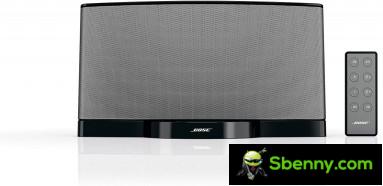
Speaker docks were a popular accessory that worked with iPods and iPhones
There were adapters, of course, but those are never ideal. To quell the anger of its customers, Apple has promised not to change the adapter for at least a decade. And as far as iPhones (and now-discontinued iPods) go, Apple has delivered on that promise.
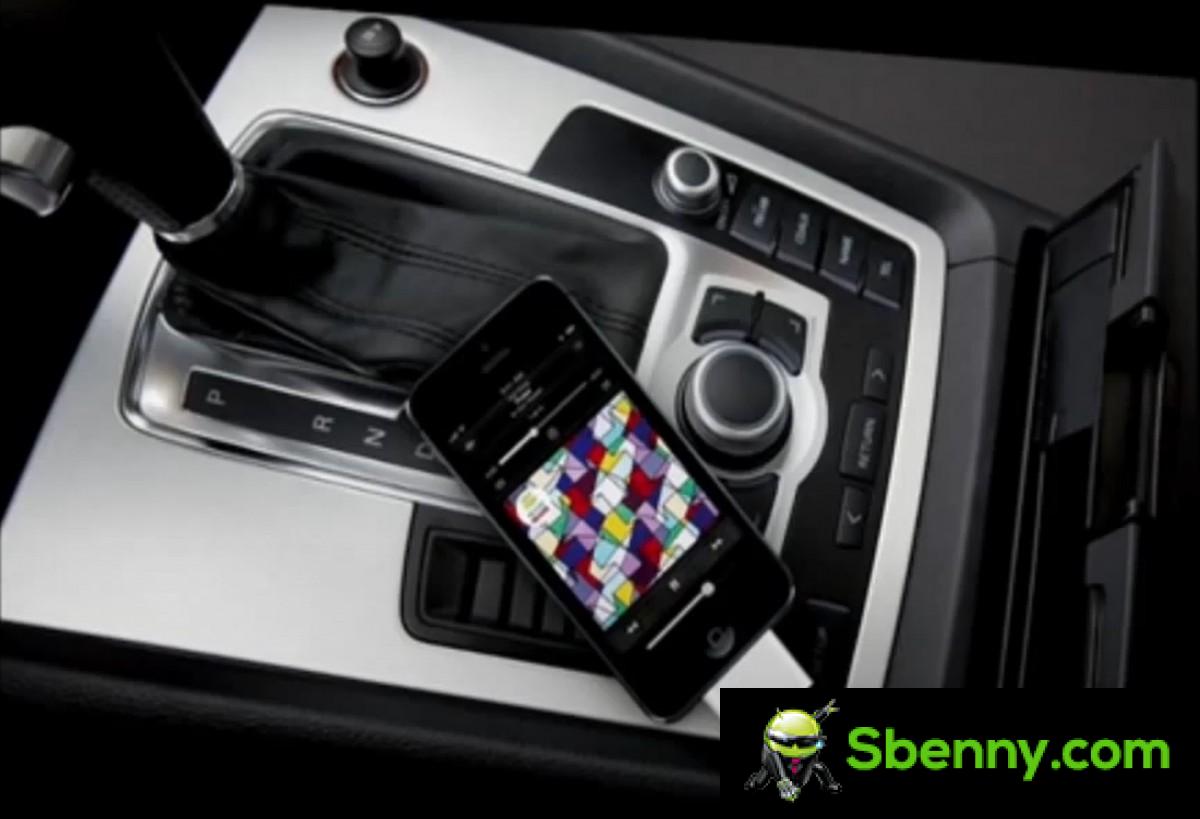
After the introduction of Lightning, some accessories for older devices required adapters
Despite a loud rumbling against USB-C, Apple is actually an early adopter of the connector. However, the USB-C standard was finalized only in 2014, which was too late: Apple wanted to remove the 30-pin connector as soon as possible.
So, what is Lightning, anyway? It’s a connector — male plug on the cable side, female on the device side — that’s quite small since it reduced the number of pins from 30 to just 8 (for comparison, USB-C has 24 pins).

There are actually 16 pins on a Lightning plug, but they’re in a mirrored configuration, so usually only 8 are used. This allows the plug to be inserted in two orientations, which avoids the curse of USB – you may have heard the old joke that it takes three tries to plug a USB connector in the right way.
With only 8 pins available, the maximum data transfer rate is the same as USB 2.0, the 480Mbps mentioned above, and not much better than the original FireWire ports on the first iPods.
But remember that there are 16 pins on Lightning, it’s just that most devices only have 8 pins in their sockets. There are exceptions like the iPad Pros (before they switched to USB-C), which had 16-pin Lightning plugs. This enabled support for USB 3.2 Gen 1 speeds i.e. 5 Gbps. As far as we know, a specific card reader is the only device that makes use of it, and it only worked with the iPad Pro. For example, Apple never released a Lightning to USB 3 cable.
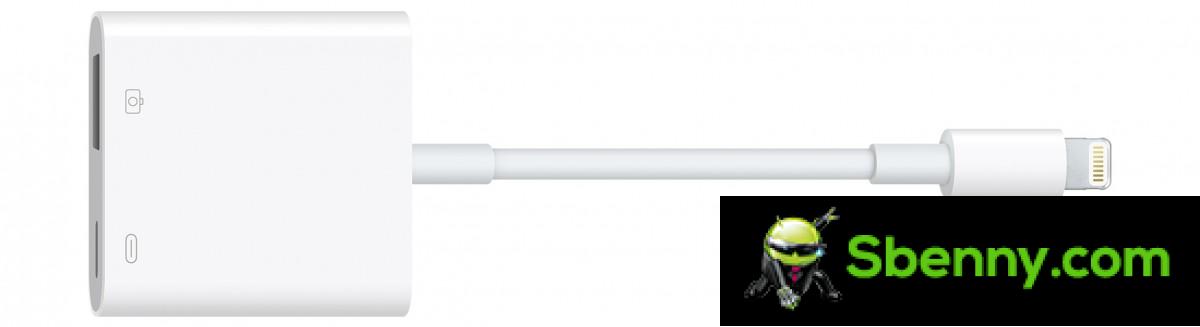
The only Lightning accessory that supports USB 3.2 Gen 1 speeds
While unveiling the iPhone 5 in 2012, Phil Schiller called Lightning a “modern connector for the next decade.” Well, that decade petered out last year—it’s time for a new connector.

The iPhone 5 introduced the Lightning connector to the world, a “modern connector for the next decade”
Apple is mostly there, all Macs have USB-C, now all iPads do too, even the new Apple TV’s remote uses it. This leaves things like AirPods, Apple keyboards and mice selected and, of course, the iPhone.
Lightning’s days are numbered, Apple has already confirmed that the iPhone will switch to USB-C, although exactly when hasn’t been made official yet. Unofficially, analysts think it will happen this year, before the end of 2024 deadline imposed by the EU.
Apple recalls the switch from the 30-pin connector and how it made many accessories obsolete. This was actually one of the arguments presented against the adoption of USB-C, many accessories and cables that use lighting will soon go to the trash. There are adapters, of course, but those are never ideal.
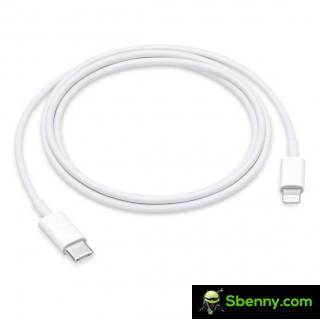
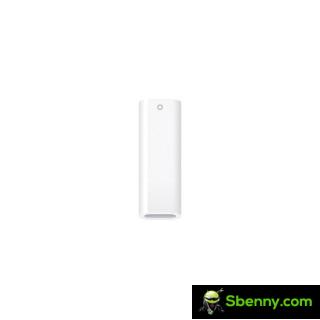
USB-C to Lightning cable • USB-C to Lightning adapter for charging first generation Apple Pencil
On the flip side, there are many benefits of USB-C, which we detailed in last week’s post. The biggest one for Apple users is that they will be able to use one cable for everything instead of carrying one cable for the MacBook and another one for the iPhone.
There have been awkward times in the past where new MacBooks only had USB-C ports, but new iPhones only came with USB-A to Lighting cables. And the 10th generation iPad, which supports the original Apple Pencil but doesn’t have the right port to charge it, so it needs an adapter.
Maybe future iPhones will finally break the 30W barrier and support proper fast charging. And perhaps with improved video output capabilities they will enable the Stage Manager desktop experience. Or maybe not, USB-C has a lot of features, it’s up to Apple to decide which ones it wants to use.


Start a new Thread