
introduction
Do you want a projector to take anywhere with you or just one that doesn’t take up space in your living room? Thanks to the magic of LED and DLP technology, the projectors are available in many sizes. The smaller of these are generally referred to as Pico projectors, and the Yaber Pico T1 is certainly among the coolest projectors in the category. It’s one of the most pocket-sized projectors we’ve seen to date, measuring just 0.52 inches thick.
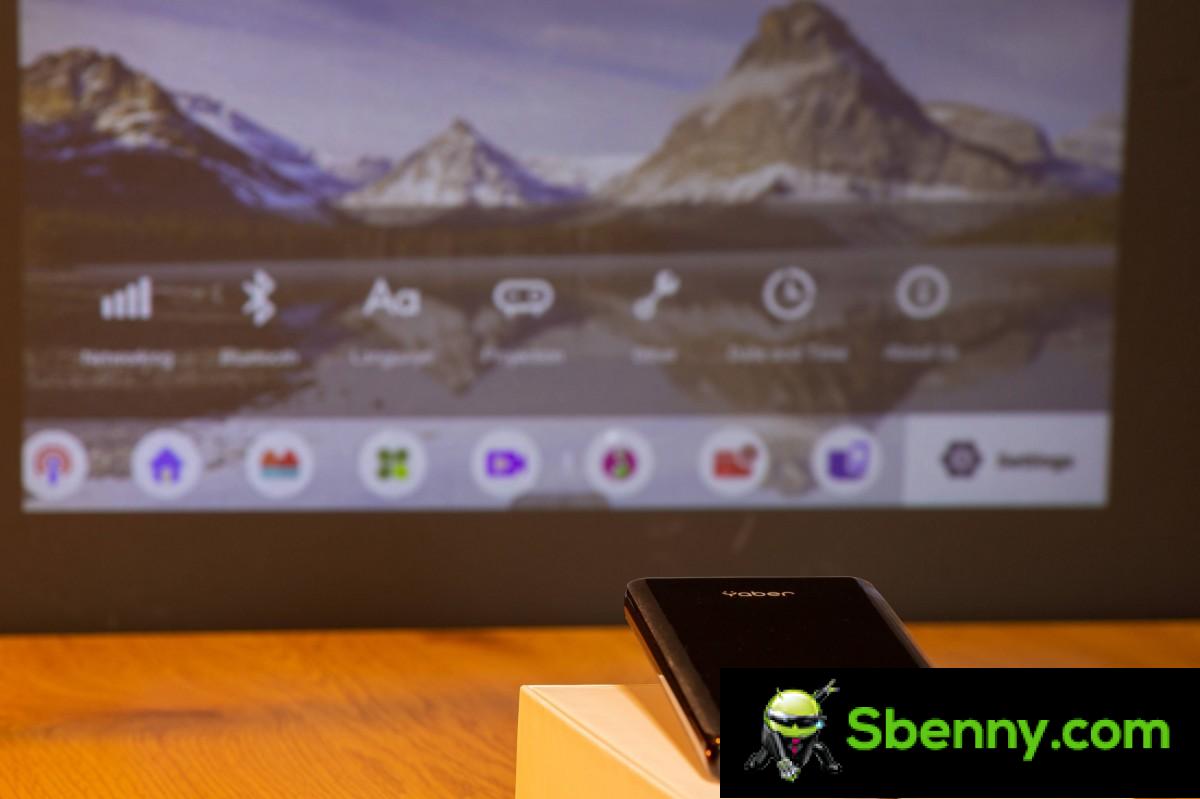
Performance limits are inevitable trade-offs of a pico projector. The Yaber Pico T1 advertises 110 ANSI lumens of brightness and a resolution of 540p. Despite its powerbank-like form factor, it lacks a built-in battery, but what it does have is Android TV on board, making it a sleek standalone media player that only needs external power to run.
Yaber Pico T1 specifications at a glance:
- Dimensions: 150x75x13.1 mm, 150 grams.
- Optical parameters: DLP projector; 540p optical resolution (960 x 540 pixels); Aspect Ratio 16: 9; Contrast Ratio 350: 1.
- Projection parameters: 110 ANSI lumens (advertised); 10 ~ 100 inch screen diagonal; 0.3 – 2m projection distance; launch ratio 1.2: 1; 30,000 hours life of RGB LED light source; luminance uniformity> 85% (advertised).
- Optical adjustment: Automatic vertical keystone correction; manual focus.
- Audio: Single 1.5W speaker
- Interior: HiSilicon Hi3751V350 (4x Cortex-A53 at 1.0 GHz); Mali-450 GPU; 1 GB of RAM; 32GB of storage.
- Hardware video decoder: H.264, H.265, MPEG1, MPEG2, VP6, VP8, VP9; AAC_LC, HE_AAC, HE_AACV2, LPCM, MP3, APE.
- I: 2 USB Type-C ports: one for power (fast charge only,
- Wireless connectivity: air conditioning; Bluetooth 4.2; IR remote control.
- Software: Android TV 9.
- Other characteristics:Remote control in box; Support for wireless projection (Miracast, Apple AirPlay, Eshare); Wired Android phone mirroring via proprietary app.
Other highlights include a compact but very functional remote control in addition to the touch controls built into the unit itself. And the Yaber Pico T1 can perform automatic vertical keystone correction, which isn’t something we would have expected from a projector of this size.
But can the little guy impress us in practice? Follow our review to find out.
Unboxing and accessories
The Pico T1 comes in a rather nondescript packaging. Inside, you find a USB Type-C 20W QC wall charger along with two USB cables – one Type A to Type C and the other Type C to Type C. There is also a sleek compact tripod that connects magnetically to the projector and a mini-HDMI to HDMI cable.

The $ 28 pricier IndieGoGo special package also gives you a 10,000mAh power back with integrated cables, including a Type-C one for use with the Pico T1. IndieGoGo’s crowdfunding page for the project also features a nice carrying case, but it’s not part of any of the product packages currently available.
Controls and connectivity
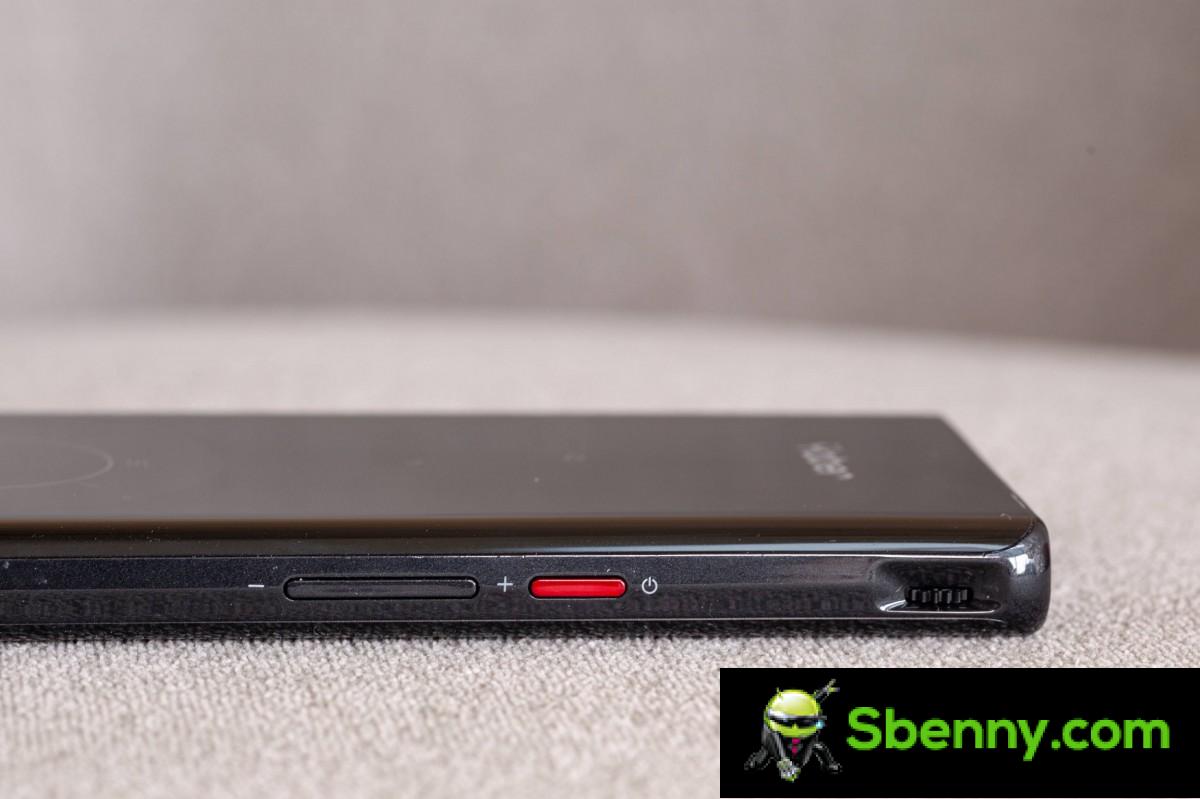
The right side of the Yaber Pico T1 houses a power button and volume rocker, just like a smartphone would. Beyond that, we find a manual focus wheel. The left frame of the Pico T1 is out of control.
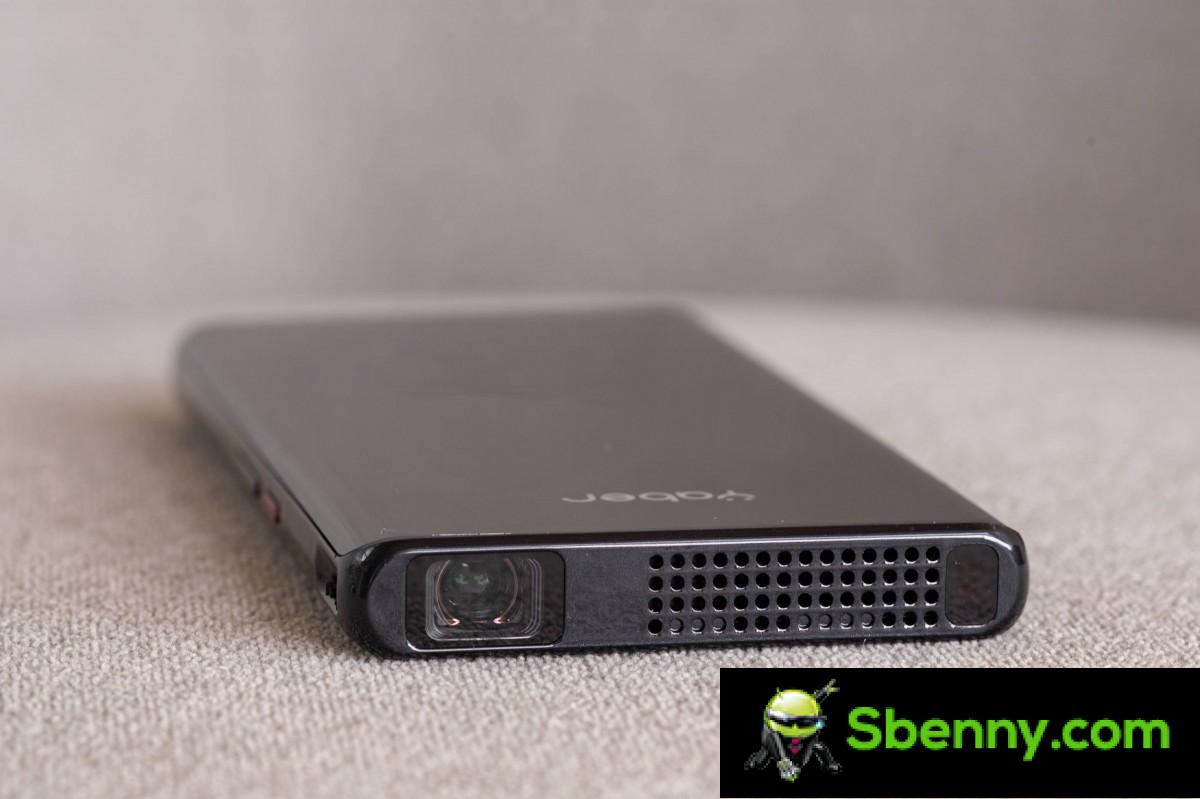
The front of the unit houses the projector optics as well as a vent. The small fan here seems to have only one speed and is as loud as a laptop fan running full steam. There is also a mysterious sensor here, probably some sort of laser or TOF, which is responsible for automatic vertical keystone correction.
The rear of the Pico T1 has a 1.5W speaker and a trio of ports: two Type-C ports and one mini-HDMI port. Of the two Type-C ports, one is only meant to power the device. The Pico T1 supports Quick Charge power with rated inputs of 5V @ 3A, 9V @ 2A and 12V @ 1.5A. The total power of the projector is 9W.

The other USB Type-C port is a data port. It has USB Host functionality and can take things like a standard HID device like a mouse or keyboard and plug in storage media. This port can also be used to mirror the display of an Android phone, but only using a proprietary eShareLine app. It is important to note that this USB does not have any standard video capabilities over USB as found on modern external monitors.
The Pico T1 can be controlled via the touchpad and capacitive combo on the top of the device or the included mini remote.
Android TV and built-in features
Yaber Pico T1 is a 110 lumen pico projector with an HDMI input and built-in wireless transmission capability, which is already intriguing. However, the guts of built-in Android TV makes it special beyond that. Let’s quickly review what’s included here and what limitations and issues we’ve encountered.
Yaber has their own TV launcher of some kind, which looks and works decently. It revolves around a vertical menu with some self-explanatory options.

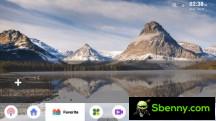
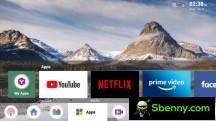


Smart TV launcher
There is a basic file browser directly in the main menu for browsing local media and quick access to a wireless streaming app that supports Miracast and Apple AirPlay, as well as a proprietary Eshare communication scheme. There are also options for wired streaming from Android and iOS phones.
Yaber also has a proprietary app store, but it has a very limited selection of apps.



Proprietary app store
The settings menu is very simple. All basic options such as display rotation, keystone adjustments, brightness, language and input methods are easily accessible.

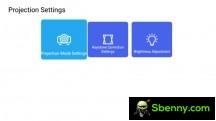
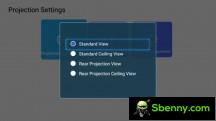
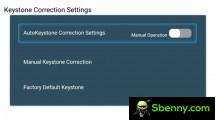
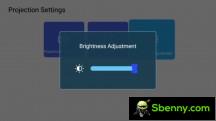
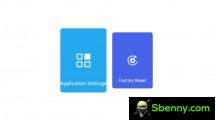
Basic settings
There is also a more advanced settings menu, which takes you to the standard Android TV settings menu. This is where we ran into our first big problem, though. The normal Android TV settings menu crashes regardless of the option we selected.
This made it impossible to set up some apps as a button remapper or any additional app store as we weren’t able to enable accessibility access and installation privileges respectively. Hopefully this is just one of the first software bugs with our unit that will be fixed.

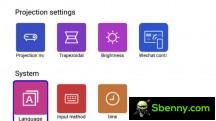
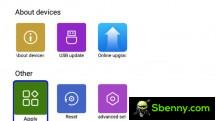


Advanced settings menu and Android TV settings not working
Speaking of installation, we’re happy to say that the Yaber Pico T1 has working Google Play Services. This means access to the Google Play Store and its rather sizeable collection of Android TV apps. At least, it’s great to look at as the proprietary app store is sterile.



Google Play Store
We may not have the ability to easily transfer apps, but at least the Google Play Store has some nice Android TV launchers, like our favorite: the ATV Launcher.

Alternative Android TV Launchers
Once installed, you can even set it as the default by pressing the Home button on the Yaber Pico T1. However, you will be stuck with selecting your launcher without proper access to the Android TV settings until you install another launcher to get the selection menu again. It’s a clumsy limitation to deal with.
Performance
Now let’s talk about the performance of the Yaber Pico T1 once the configuration is complete.

The Yaber Pico T1 isn’t particularly bright. The advertised 110 lumens correspond to reality. With a brightness of this scale, you can only expect a vaguely pleasant experience in a room controlled by light or at night and with a diagonal of no more than about 60 inches.
The resolution of 960 x 540 pixels is also a bit too low for most of the text in modern user interfaces to be legible. You can get by with a large-font presentation, but forget about tasks like browsing the web.
The Yaber Pico T1 is best suited for watching very casual movies in a pinch.
What can you expect from the small interiors of Android TV? Well, here are some screenshots of Aida64 and DRM Info to check its specs.
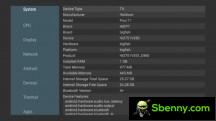

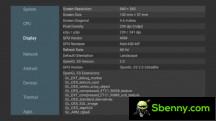
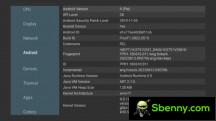
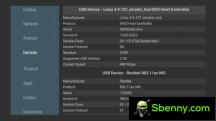



Hardware specifications
The Yaber Pico T1 packs a HiSilicon Hi3751V350 chipset, which has only four Cortex-A53 cores at its disposal and a Mali-450 GPU. It is paired with 1GB of RAM and 32GB of internal storage. It’s a rather anemic chipset that you’ll likely find in a set-top-box rather than an Android TV device. If you really want to get into it, you can go to the official chipset spec page.
The most important specifications are probably related to the hardware video decoder. The Hi3751V350 can handle H.264, H.265 (HEVC), VP6 / 8/9, MVC, MPEG1 / 2/3/4, AVS and VC-1 up to 1080p @ 60fps. That’s enough to saturate the Yaber Pico T1 projector’s 540p resolution.

We have run some performance tests and can verify that the user interface is working smoothly. Plus, YouTube 1080p videos work flawlessly with no hitches or stutters.




Test on YouTube and Plex
We pushed the Yaber Pico T1 further by installing Plex on it. Its UI was very smooth too, and we even managed to get some 4K streams running at around 20Mbps with minimal stutter. Not that you would even need to push quality beyond HD or FullHD as this is a simple 540p projector.
We also had some jellyfish bitrate video test files awaiting testing on an external USB SSD, but the Yaber Pico T1 failed to read the drive.



Unable to read an external drive
It mounted it smoothly but then failed to read the exFAT file system. We also tried an NTFS drive, with no luck. Again, we hope this is just an initial software issue with our unit that will be fixed.
We also tried running some benchmarks on the Yaber Pico T1. The only thing it actually managed to do was the old T-Rex test in GFXBench, which scored below 10fps on the screen.
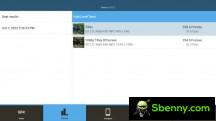

Running benchmarks
It is safe to say that you will not be playing on the Yaber Pico T1. Even with that said, GeForce Now performed well on the small projector.
Final thoughts
The Yaber Pico T1 is an interesting gadget that mostly delivers on its promises of being a very slim portable projector with solid intelligence built in. It’s just that you need to know this class of device limitations. One hundred and ten lumens is quite dim, and the 540p resolution, while good for a pico projector, is too low for most UI elements and text.

If you want a cool gadget to flaunt in a pinch and entertain yourself or perhaps your kids with a movie or some animated series, Yaber Pico T1 delivers. Even in the present, certainly raw and initial state in which we experienced it. You should look elsewhere if you expect performance or flexibility beyond this simple use case.
You can read more about the Yaber Pico T1 or grab one on their IndieGoGo page.


Start a new Thread