

 Trusted by over 1.6 million members since 2014 — why not join them?
- Gender
- Female
- Device
- Google Pixel 3a - Android 12
- Country
- Italy
Dead Ahead: Zombie Warfare
v3.0.2MOD Features How to install
Download Link (how to download?)
-
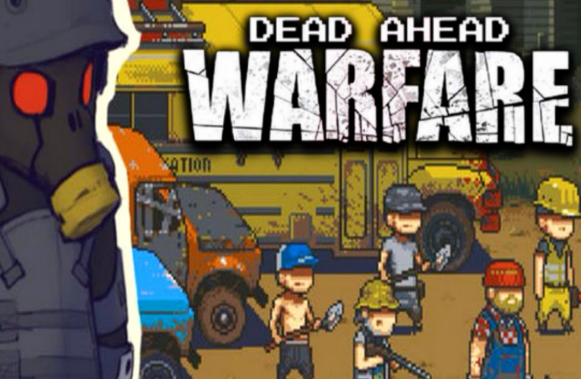
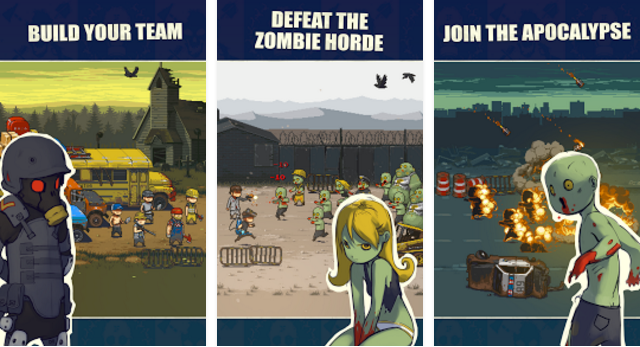
Dead ahead: Zombie warfare - gather a team of survived after zombie apocalypse. Protect the bus from endless hordes of hungry zombies. Help the heroes get to a safe place in the post apocalypse world of this Android game. Drive a school bus with the survived across deserted lands, cities and other locations. Don't let zombies seize your bus. Gather a squad of available characters and arrange an efficient defense from monsters.
Features of Dead ahead: Zombie warfare for Android:
• Exciting levels
• Many characters
• Different types of zombies
• Wide range of weapons and upgrades
• Retro style graphics
Apply skills of each hero and different tactics. Add new members to your squad. Have fun by downloading the MOD APK of Dead ahead: Zombie warfare for free, at Sbenny.com!
You can play and install this app without root permissions.
You can play this game even without any Internet Connection.
Load Additional Info
• Unlimited Money (it never decreases)
• Unlimited Gold (it never decreases)
Notes: you need to have enough currency at first to make the purchase, but it will never decrease. Please note this game might not work on some Android Emulators.
• App not installing/saying not compatible and you're running Android 14? Then you may need to install and use VPhoneOS on your phone by clicking here or, if have a computer, visit this page from PC and click here. This should help you. If not, read this: how to install mod apk files on Android 14 or newer.
Before reading the installation instructions below, if you need help about how to use our website, please watch a simple video tutorial we created, about How to Download & Install apk files from sbenny.com by clicking here.
This is a SPLIT APK. In order to install this, you need to install the "Split APK Installer " App on your phone. Then, open it, tap on"Install APKs" and select the downloaded file in order to install it.
• App not installing/saying not compatible and you're running Android 14? Then you need to install VPhoneOS on your phone by clicking here or, if have a computer, visit this page from PC and click here. Also, make sure you turned off "Play Protect" from the Google Play Store app, as it prevents installing mods. This should help you. If not, read this: how to install mod apk files on Android 14 or newer.
If you need help about how to use our website, please watch this simple video tutorial below about How to Download & Install apk files from sbenny.com.
Code:https://play.google.com/store/apps/details?id=com.mobirate.DeadAheadTactics


