
 Trusted by over 1.6 million members since 2014 — why not join them?
- Gender
- Male
- Device
- Honor Magic5 Lite - Android 13
- Country
- Sbennytopia
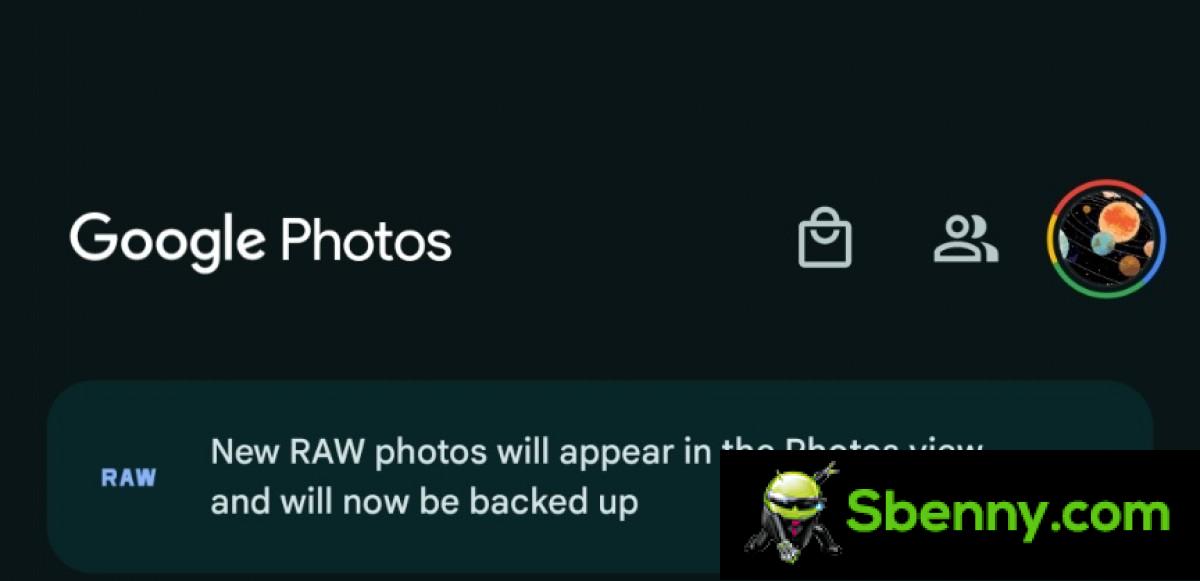
The Google Photos app automatically started backing up all RAW images and reports 9to5Google. On a Pixel 8 that previously captured RAW images with the Pixel Camera app, the publication spotted Google Photos displaying a banner that read, “New RAW photos will appear in Photos view and will now be backed up.” Existing RAW images on your device will not automatically upload.

When you click a RAW photo, a JPEG version is also automatically captured and uploaded to Google Photos. Not ideal if you take a lot of RAW photos as RAW files are larger than JPEG and could quickly fill up your Google One’s storage space. Not to mention, it will also consume more data for uploading.
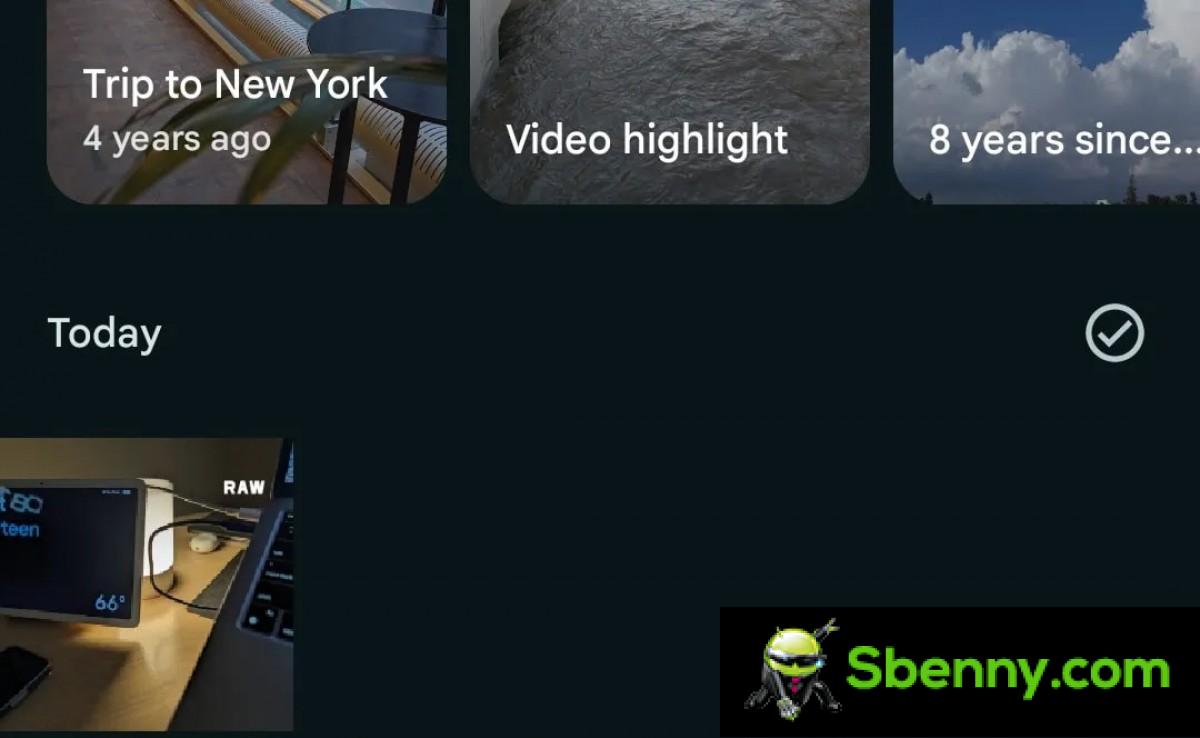
The source also reports that the uploaded image appears in the main “Photos” tab of the Google Photos app with “RAW” labeled in the top right corner. The JPEG file is considered part of the “Burst” and when you open a RAW file you will see a toggle switch that allows you to switch between JPEG and RAW.
When viewing the RAW file, you get the options “Set as main photo” and “Keep only this photo”, while JPEG shows “Export this photo” or “Keep only this photo”.
The post continues on our Blog: Google Photos for Android now automatically backs up all RAW images
What do you think about it? Feel free to reply below!
When you click a RAW photo, a JPEG version is also automatically captured and uploaded to Google Photos. Not ideal if you take a lot of RAW photos as RAW files are larger than JPEG and could quickly fill up your Google One’s storage space. Not to mention, it will also consume more data for uploading.
The source also reports that the uploaded image appears in the main “Photos” tab of the Google Photos app with “RAW” labeled in the top right corner. The JPEG file is considered part of the “Burst” and when you open a RAW file you will see a toggle switch that allows you to switch between JPEG and RAW.
When viewing the RAW file, you get the options “Set as main photo” and “Keep only this photo”, while JPEG shows “Export this photo” or “Keep only this photo”.
The post continues on our Blog: Google Photos for Android now automatically backs up all RAW images
What do you think about it? Feel free to reply below!
