
 Trusted by over 1.6 million members since 2014 — why not join them?
- Gender
- Male
- Device
- Honor Magic5 Lite - Android 13
- Country
- Sbennytopia
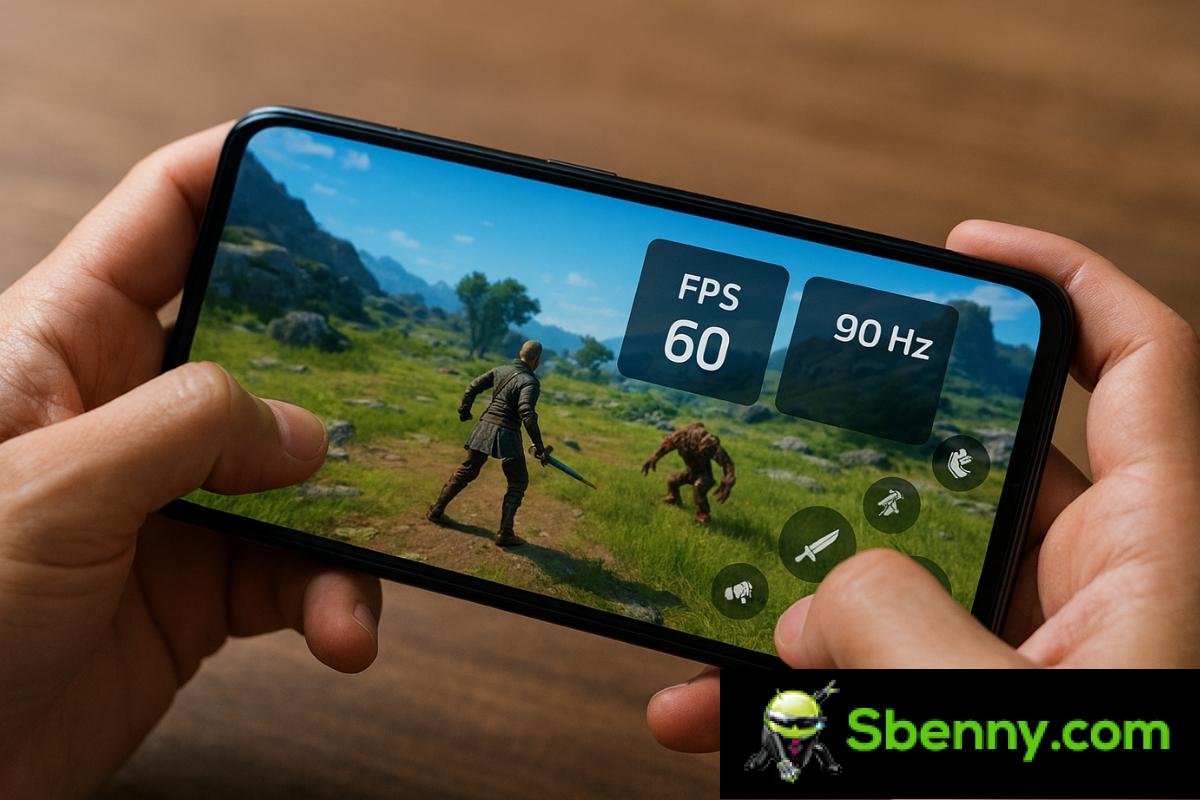
If you like to play on your mobile or simply want to know how far your smartphone can go, it is very useful monitor FPS and screen refresh rate in real time on Android. Not only out of curiosity, but because this data instantly tells you if the system is overloaded or if it is starting to go underpowered in certain games or apps.
On computers it is very common, but on mobile phones many people still do not know that it can also be done easily, without being root and without getting into strange trouble. Throughout this article we are going to see What exactly are FPS and Hz, what do they imply in the performance of your Android and how to display them on the screen while you play or use any applicationusing system tools and specialized apps such as Display Checker, Game Booster or Real-time Display FPS Meter.
What are FPS and refresh rate (Hz) on Android
Before you start activating settings and installing applicationsit’s worth understanding what those numbers you’ll see superimposed on your screen mean when you monitor performance.
Continue reading: Monitor FPS rate during gameplay on Android
What do you think about it? Feel free to reply below!
