
Those of you who use a Kindle ebook reader but don’t buy books from Amazon know the hassle of converting from the widely accepted EPUB format into something the Kindle can actually read, typically MOBI or AZW. While the company hasn’t fully embraced the competing standard yet, at least now you can skip the manual conversion step.
As you may or may not know, you can email a document or book to your @ kindle.com address and it will automatically be converted and uploaded to your device the next time it connects to the internet.
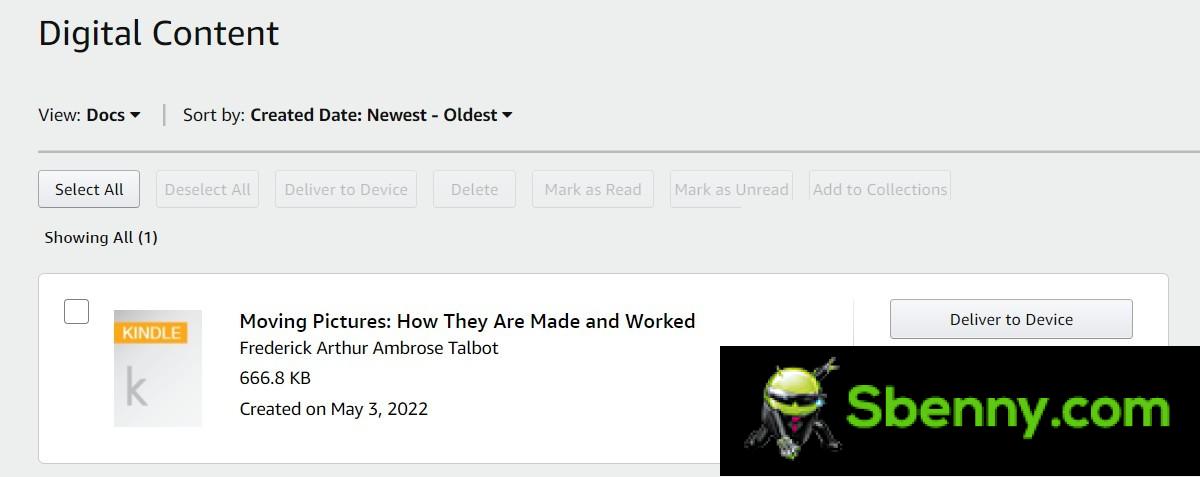
This service now accepts EPUB files – a quick test shows that this change is already active. Send to Kindle applications will get support for the format in late 2022.
This isn’t the full story, however, Amazon gives and Amazon takes away – support for sending MOBI and AZW files will be dropped. The company claims MOBI is outdated and we are inclined to agree (but so is RTF and will continue to be supported). AZW is Amazon’s format, however, and it doesn’t make much sense to delete it (note: the latest versions of the format use the .kfx extension, those aren’t supported).
Here are the formats supported by the @ kindle.com email address (or as Amazon calls it, the Kindle personal documents service):
- MOBI (.AZW, .MOBI) (no longer supports the latest Kindle features)
- Microsoft Word (.DOC, .DOCX)
- HTML (.HTML, .HTM)
- RTF (.RTF)
- Text (.TXT)
- JPEG (.JPEG, .JPG)
- GIF (.GIF)
- PNG (.PNG)
- BMP (.BMP)
- PDF (.PDF)
- EPUB (.EPUB)
And the formats supported by the Send to Kindle apps:
- Microsoft Word (.DOC, .DOCX)
- PDF (.PDF)
- Text (.TXT)
- Images (.JPG, .JPEG, .PNG, .BMP, .GIF)
- MOBI (.AZW, .MOBI) (no longer supports the latest Kindle features)
- RTF (.RTF)
- HTML (.HTML, .HTM)
- EPUB (.EPUB, coming late 2022)


Start a new Thread