

 Trusted by over 1.6 million members since 2014 — why not join them?
- Gender
- Not specified
- Device
- 6502
- Country
- Canada




Android (Go edition)
v14MOD Features How to install
Download Link (how to download?)
-
Android Developers
Language
Sign in
Build for Billions
Android Developers
Android Developers
Design & Plan
Build for Billions
Guides
Was this helpful?
Android (Go edition)
The Android operating system brings the power of computing to everyone. This vision applies to all users, including those on entry-level phones that face real constraints across data, storage, memory, and more. When Android (Go edition) was first announced in 2017, entry-level phones accounted for more than half of all device shipments globally.
With this in mind, Android (Go edition) helps to provide an optimized experience for low-RAM devices. By tailoring the OS configuration and making key trade-offs, we're able to improve speed and performance for low-end devices and offer a quality phone experience for people around the world.
Android (Go edition) helps to fulfill our mission: to empower people with affordable, reliable smartphones and the opportunities they enable.
Android (Go edition) specifications
Android (Go edition) is a mobile operating system built for entry-level smartphones with less RAM than standard in higher-end devices. Android (Go edition) runs much lighter and saves data, letting Original Equipment Manufacturers (OEMs) build affordable, entry-level devices that empower people with possibility.
Minimum hardware requirements
There are minimum RAM requirements for devices to run Android (Go edition), depending on the version of Android you are running. For a list of these requirements, see the following table. For full Android (Go edition) device capability specifications, see Optimize for devices running Android (Go edition).
Release Android 8.1
(API level 27) Android 9
(API level 28) Android 10
(API level 29) Android 11
(API level 30) Android 12
(API level 31) Android 13
(API level 33)
Min RAM 512MB 512MB 512MB 1GB 1GB 2GB
Android (Go edition) as an operating system is optimized for these constraints. With a kernel that understands app priority, Android (Go edition) reclaims program memory without impacting the end-user experience, making app usage and navigation seamless.
Differences from Android
Android (Go edition) is part of the main Android platform and is simply a configuration of Android platform OS. Any app built for the main Android platform can technically run on Go. However, be mindful that there are significant built-in performance, network, and battery limitations. Remember, even if your app complies with the hardware specifications of a given device, including features that aren't supported by Android (Go edition) can cause compatibility issues.
The following features are disabled by default on Android (Go edition):
Picture-in-picture support
System alert Window permission (draw over other apps)
Split-screen or multi-screen window
Live wallpapers
Multi-display
Shortcuts or deep shortcuts in the launcher
Reduced maximum width and height of any image in remote view
VR mode
CPU Architecture: armeabi-v7a & arm64-v8a
No: you can play and install this app without root permissions.
No: you can use this app even without any Internet Connection.
Load Additional Info
N/A
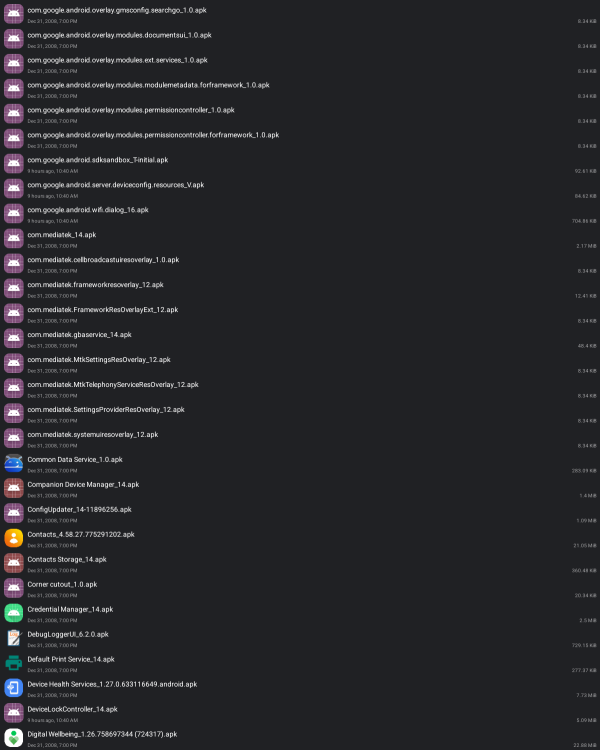
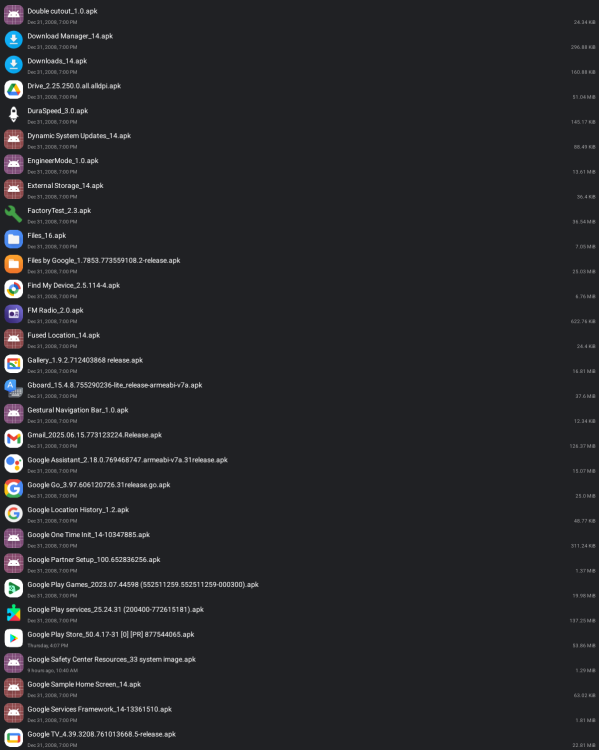
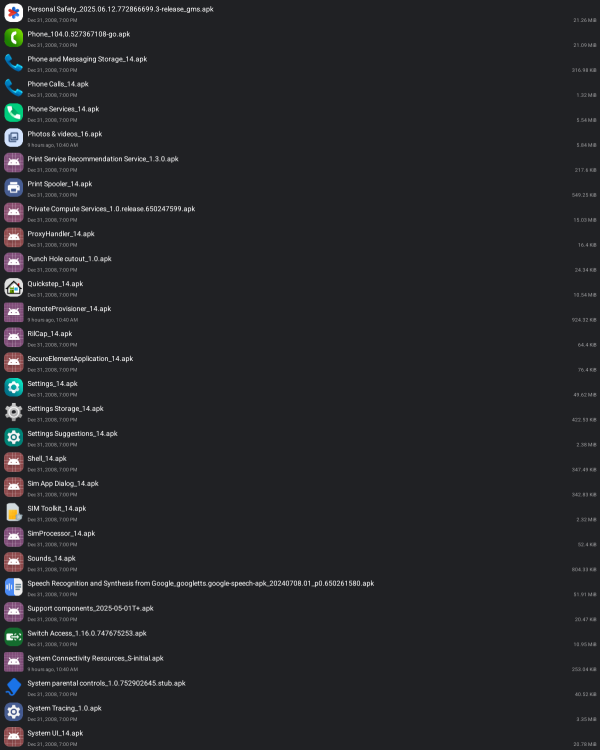
This is a complete backup of a fresh Android 14 Go device.
This is not the boot ROM.
The folder contains 196 APK's that come with the OS.
Note: depending on the apk file, it may be v7, v8, both or universal.
It seems Google doesn't care about a unified architecture on Go and choose instead the least resource intense version.
• App not installing/saying not compatible and you're running Android 14? Then you may need to install and use VPhoneOS on your phone by clicking here or, if have a computer, visit this page from PC and click here. This should help you. If not, read this: how to install mod apk files on Android 14 or newer.
Before reading the installation instructions below, if you need help about how to use our website, please watch a simple video tutorial we created, about How to Download & Install apk files from sbenny.com by clicking here.
Download the desired APK file below and tap on it to install it on your device.
• App not installing/saying not compatible and you're running Android 14? Then you need to install VPhoneOS on your phone by clicking here or, if have a computer, visit this page from PC and click here. Also, make sure you turned off "Play Protect" from the Google Play Store app, as it prevents installing mods. This should help you. If not, read this: how to install mod apk files on Android 14 or newer.
If you need help about how to use our website, please watch this simple video tutorial below about How to Download & Install apk files from sbenny.com.
 No videos yet. If you would like to thank Snailsoft and gain some extra SB Points, record your gameplay and share it here.
Code:"not on google play"


