

 Trusted by over 1.6 million members since 2014 — why not join them?
- Gender
- Female
- Device
- Google Pixel 3a - Android 12
- Country
- Italy
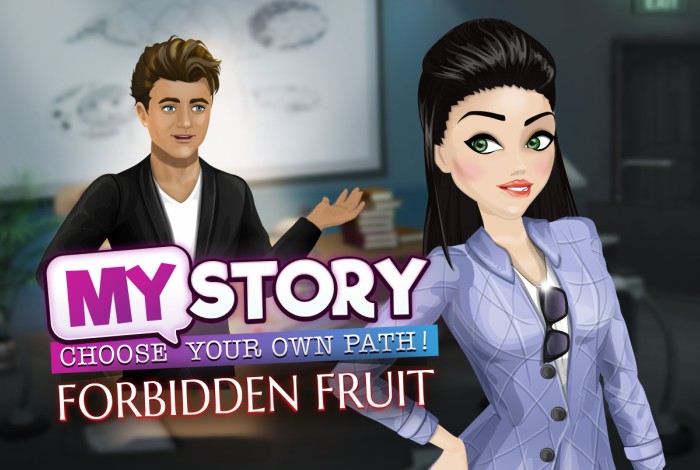
My Story: Choose Your Own Path v5.17
MOD Features How to install
Download Link (how to download?)
-
This interactive storytelling game allows you to make your own decisions and impact the story with your choices. Whether you enjoy drama, romance, comedy or fantasy, in My Story, you are the one that gets to control what happens next.
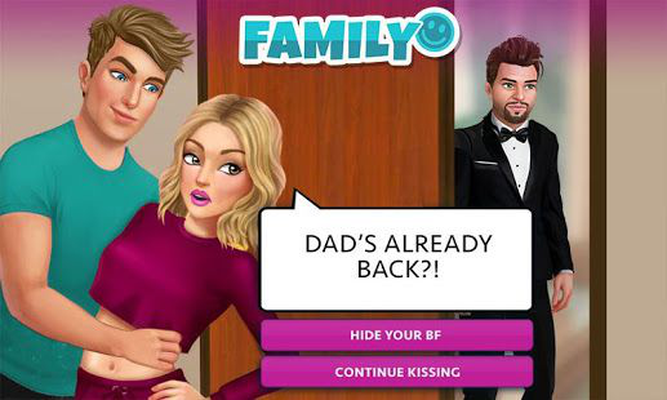
Choose a story genre and experience amazing adventures in the world of My Story! Choose a story and let the entertainment begin! Whatever you want to do, you can.
Make important decisions and change the narrative. In My Story: Choose Your Own Path, you can choose your own path and change the course of the story. The outcome of future chapters is entirely in your hands. Who will you choose to trust in Mortal Frenemy? How will you handle your magical new life in The Bitten Ones? Do your best to avoid the drama, or choose to confront anyone that stands in your way…
Why wait a week for the next episode of a TV series when you can find quality entertainment right here? Download now the MOD APK of My Story: Choose Your Own Path for free, only at Sbenny.com!
You can play and install this app without root permissions.
You can play this game even without any Internet Connection.
Load Additional Info
• Unlimited Gems (claim a daily challenge reward to get 250 Gems)
• Free Premium Choices
• Free Outfits
• Free Hairstyles
• App not installing/saying not compatible and you're running Android 14? Then you may need to install and use VPhoneOS on your phone by clicking here or, if have a computer, visit this page from PC and click here. This should help you. If not, read this: how to install mod apk files on Android 14 or newer.
Before reading the installation instructions below, if you need help about how to use our website, please watch a simple video tutorial we created, about How to Download & Install apk files from sbenny.com by clicking here.
This is a SPLIT APK. In order to install this, you need to install the "Split APK Installer " App on your phone. Then, open it, tap on"Install APKs" and select the downloaded file in order to install it. If the app doesn't install for some reason, open the settings at the top-left of Split APKS Installer and enable the "Sign APK" option and then try again.
• App not installing/saying not compatible and you're running Android 14? Then you need to install VPhoneOS on your phone by clicking here or, if have a computer, visit this page from PC and click here. Also, make sure you turned off "Play Protect" from the Google Play Store app, as it prevents installing mods. This should help you. If not, read this: how to install mod apk files on Android 14 or newer.
If you need help about how to use our website, please watch this simple video tutorial below about How to Download & Install apk files from sbenny.com.
 No videos yet. If you would like to thank Debby and gain some extra SB Points, record your gameplay and share it here.
Code:https://play.google.com/store/apps/details?id=org.nanobit.mystory

 what can i do?


